
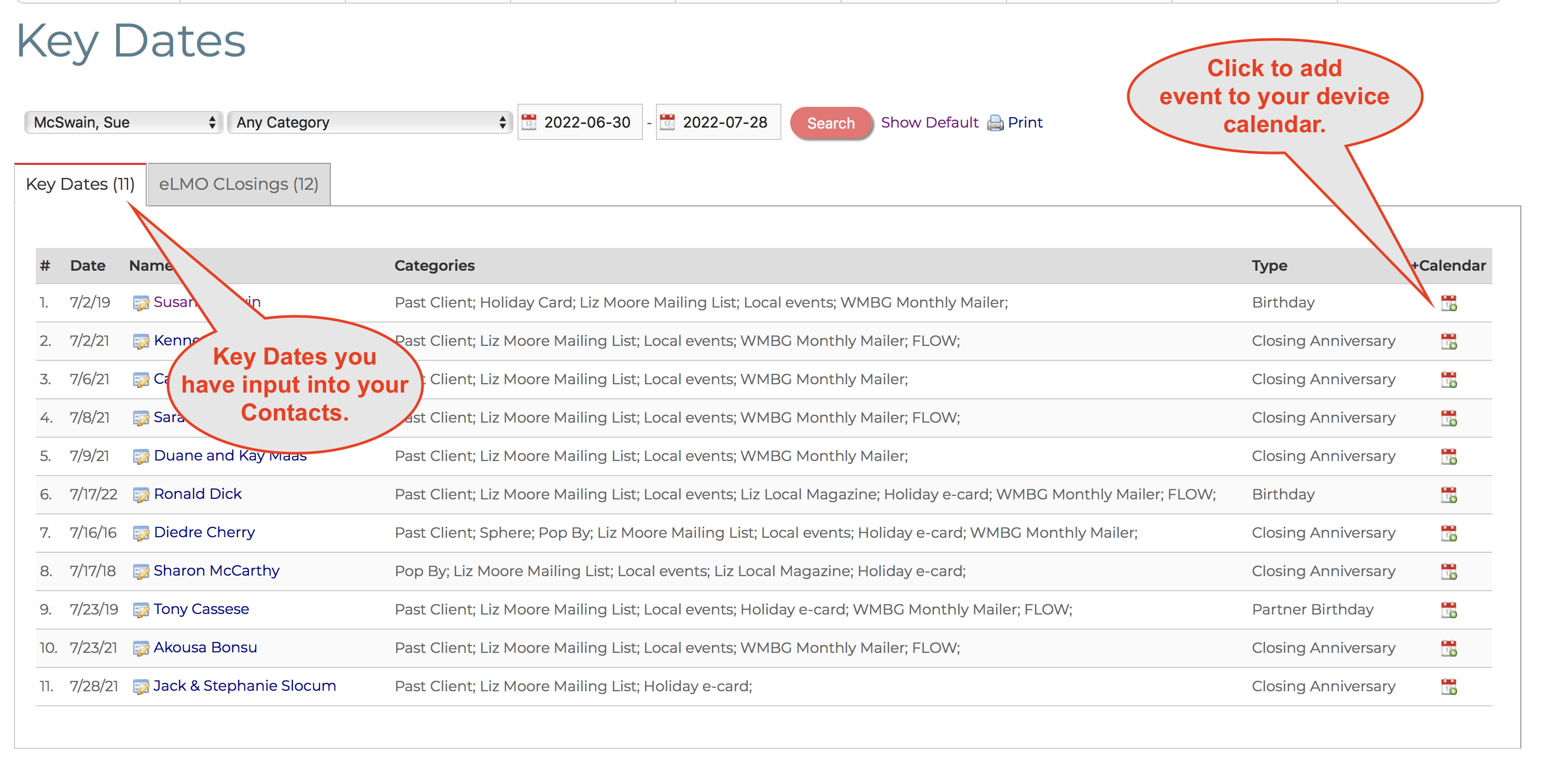
The Key Dates screen helps you stay in touch with all your Contacts so you don't miss any important dates.
You can access Key Dates in 2 ways.
1. From the Key Dates link in the eLMO Task Bar

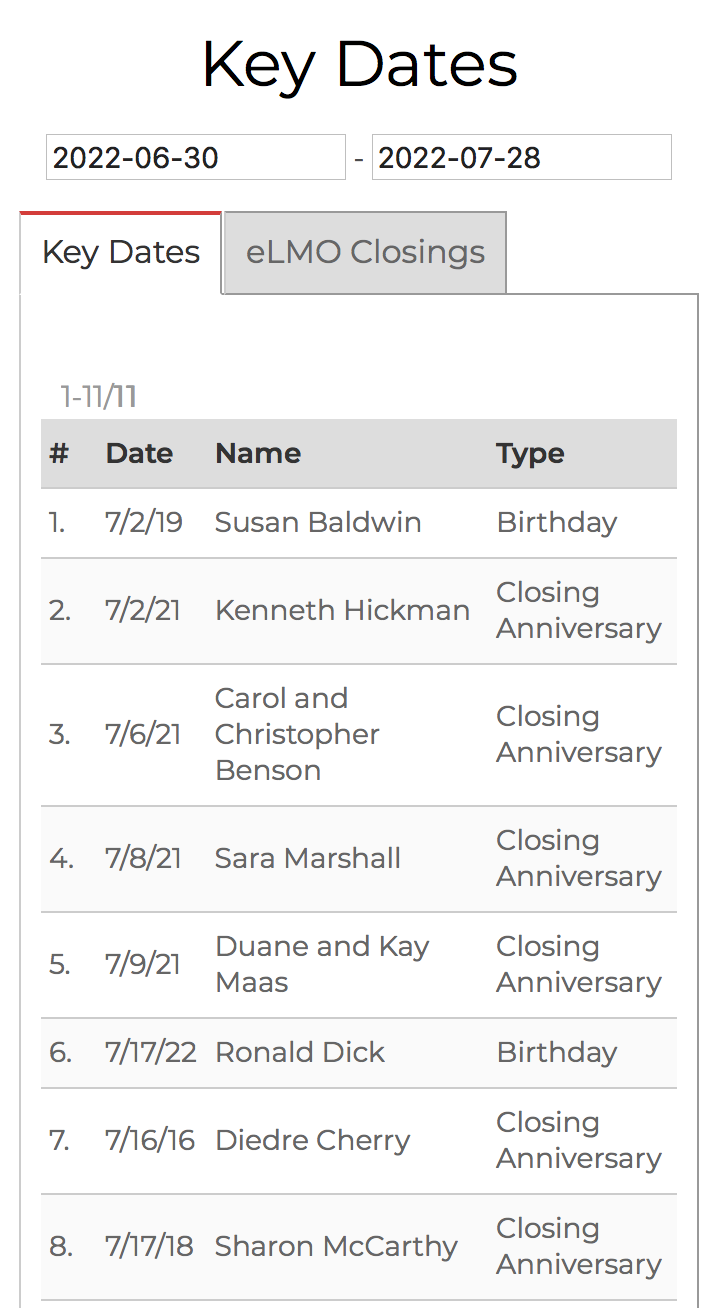
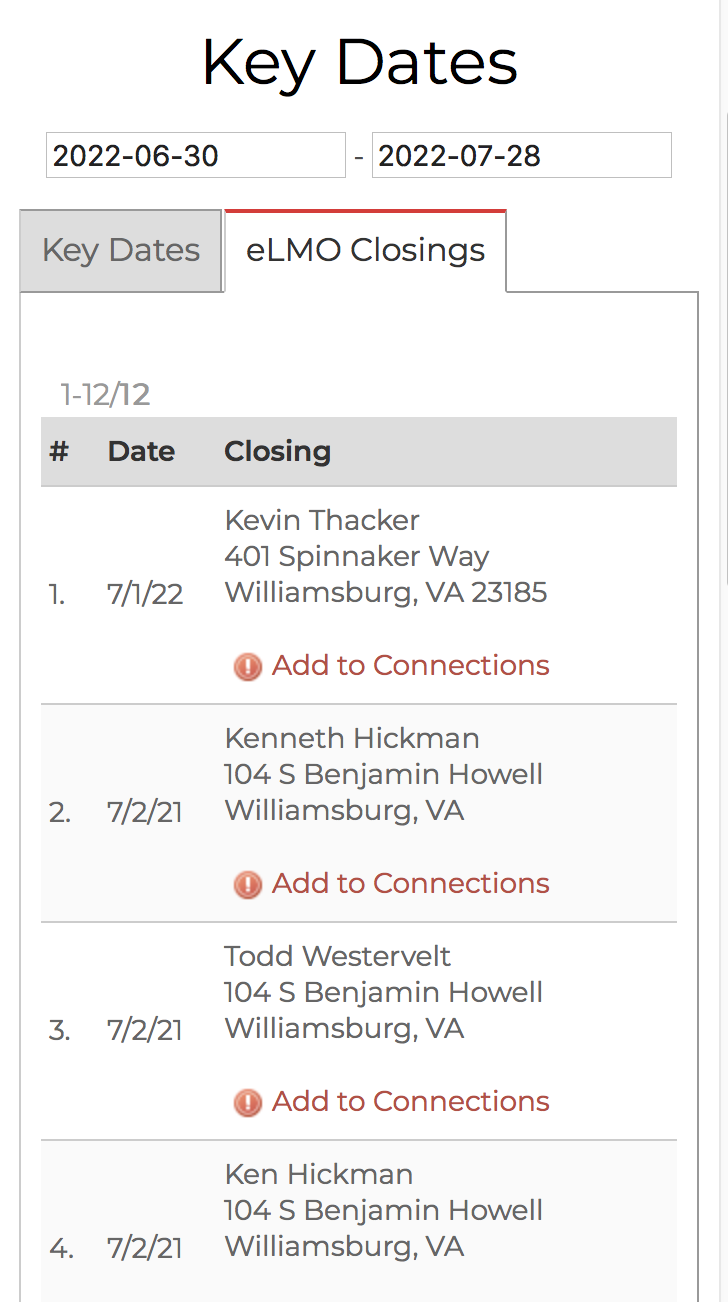
2. From the Key Dates link in Mobile eLMO

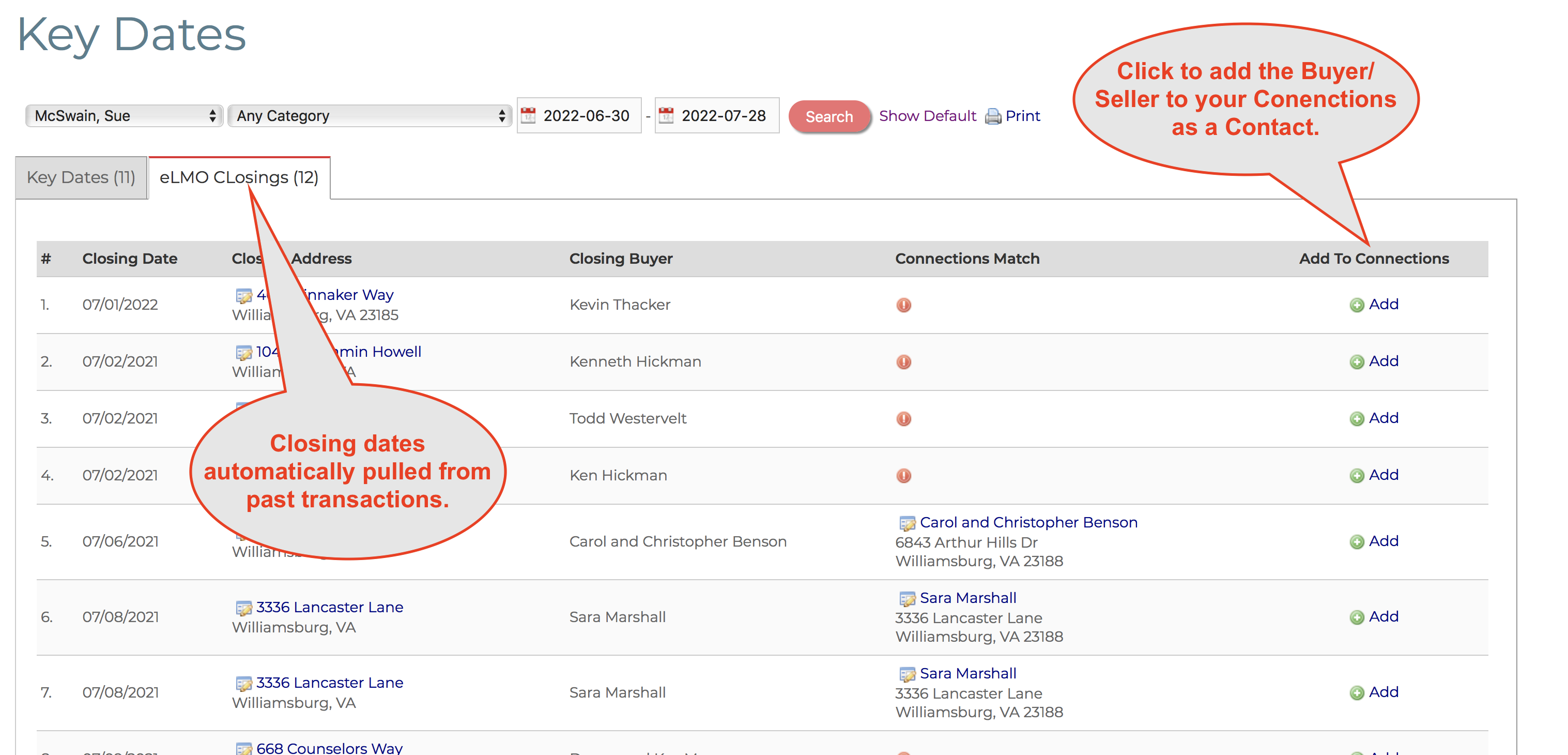
Key Dates shows 2 types of dates.
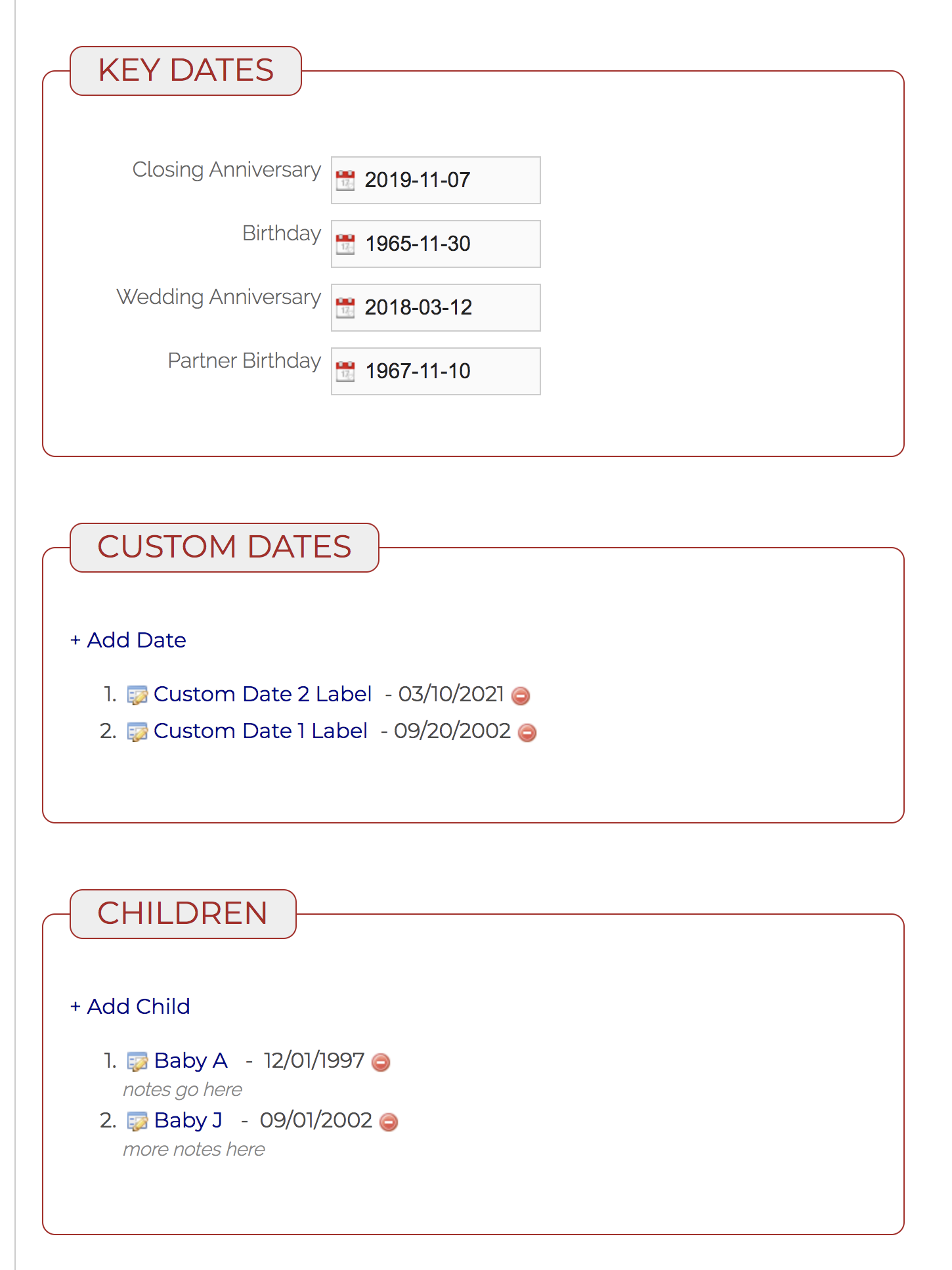
1. Key Dates or Custom Dates input manually into one or more of your Contacts.
2. Closing Dates automatically populated from past transactions in eLMO.
You input Key Dates in the edit screen screen of a Contact.
Comments
0 comments
Please sign in to leave a comment.