
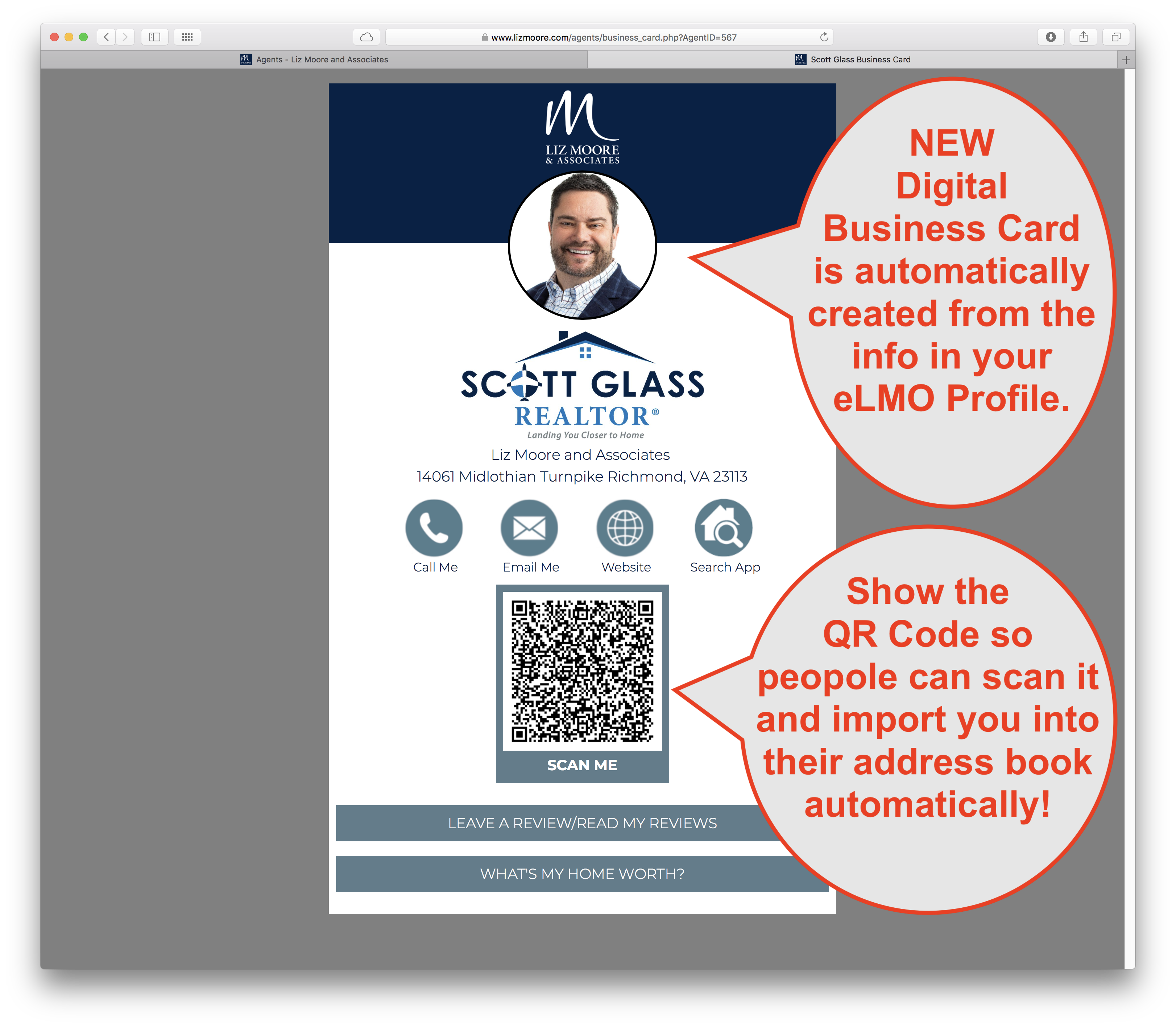
Learn how to take advantage of the NEW automatically created Digital Business Card with QR-Code!!!
1. Go to your Agent Profile in eLMO
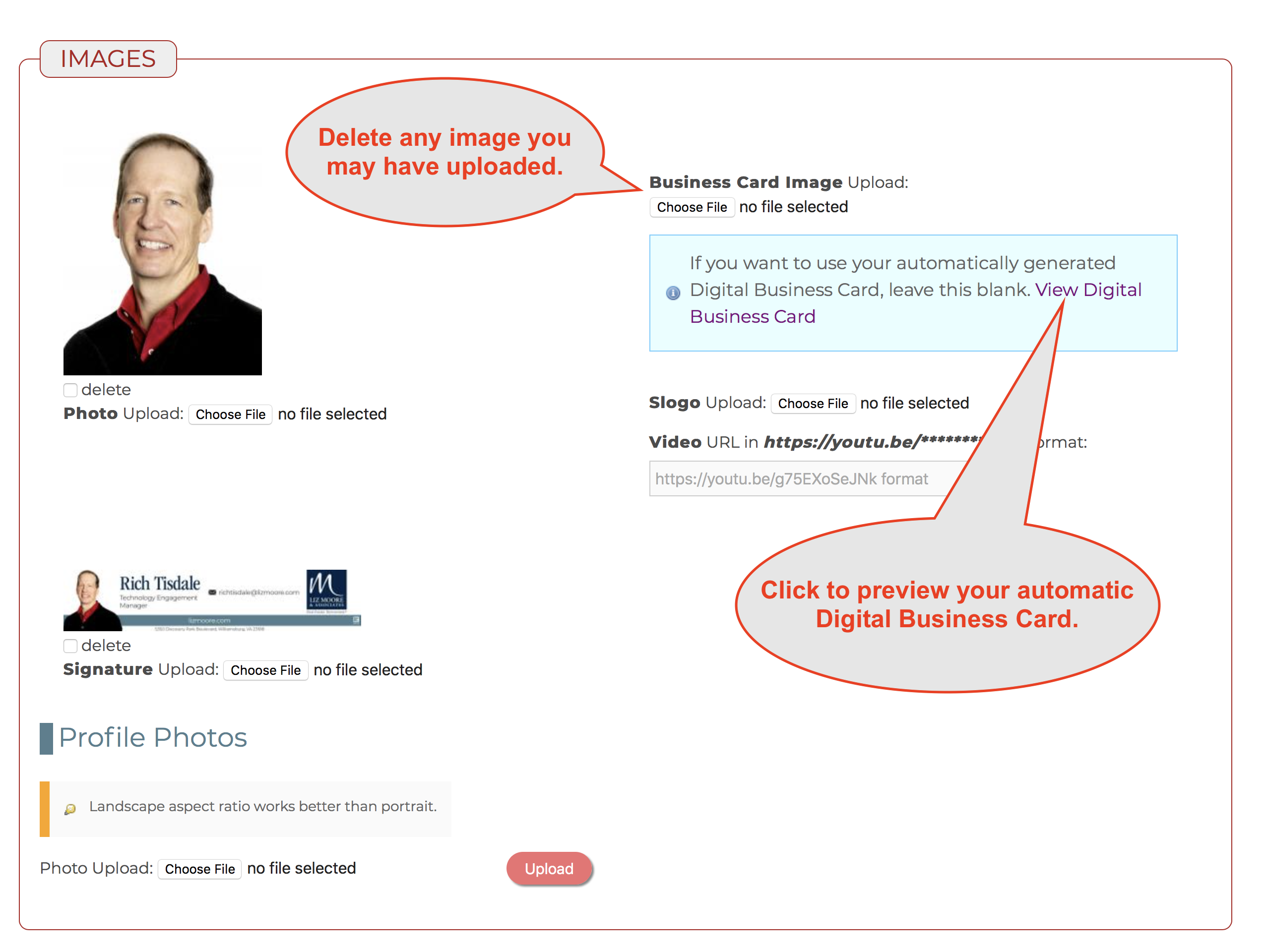
2. Make sure you delete any existing Business Card Image you may have uploaded.
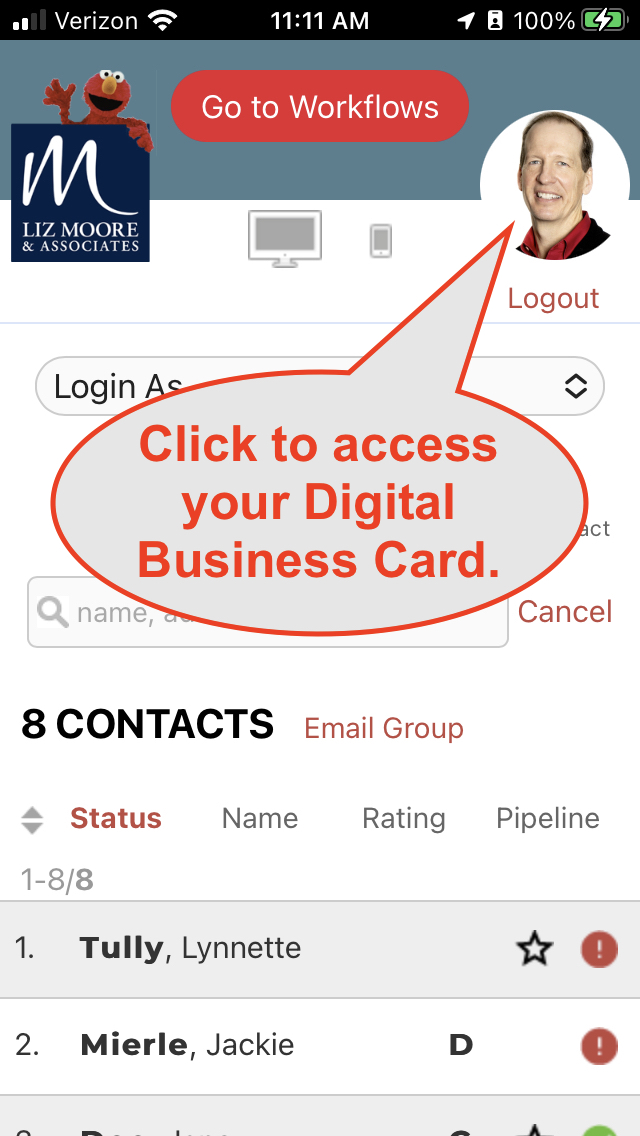
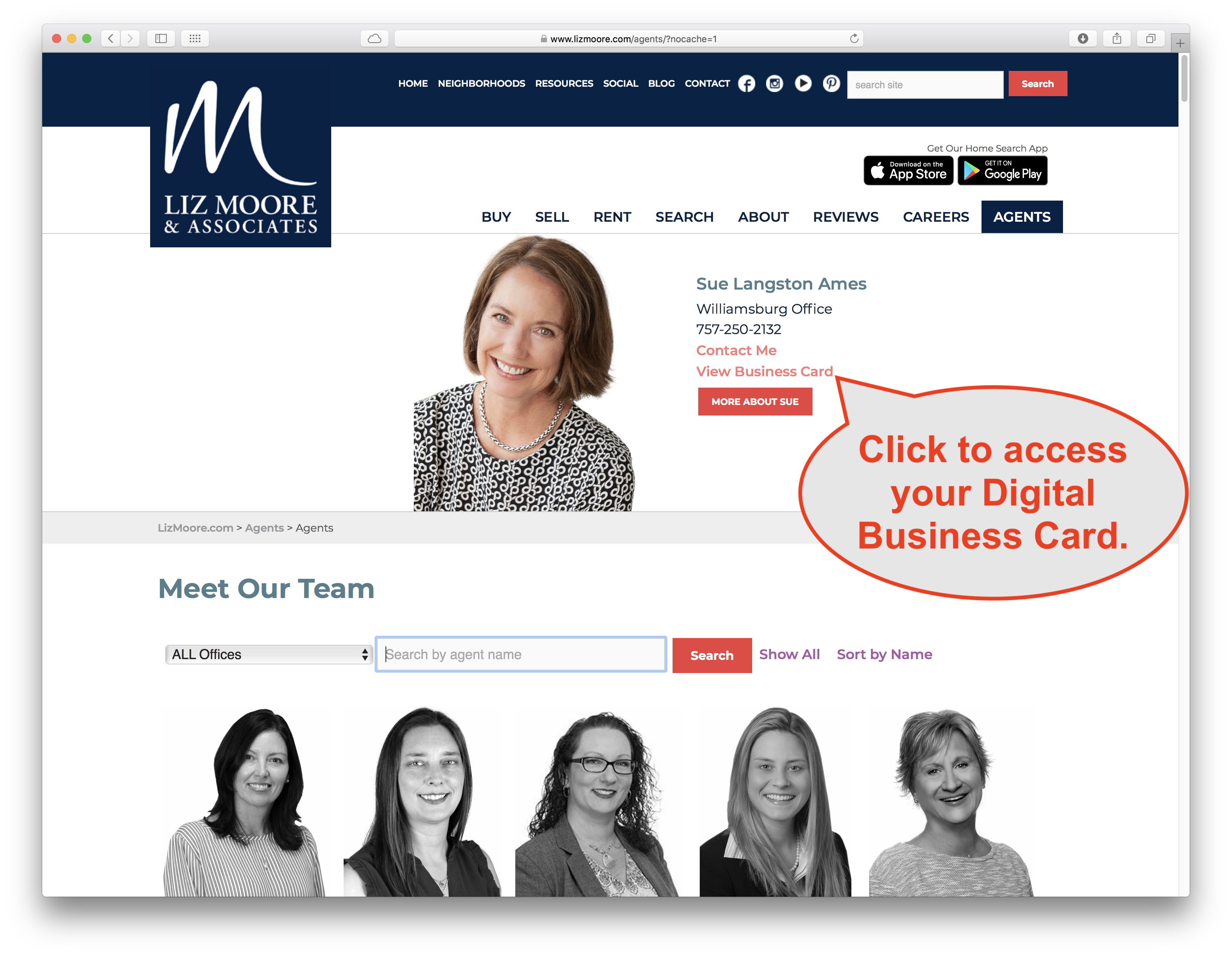
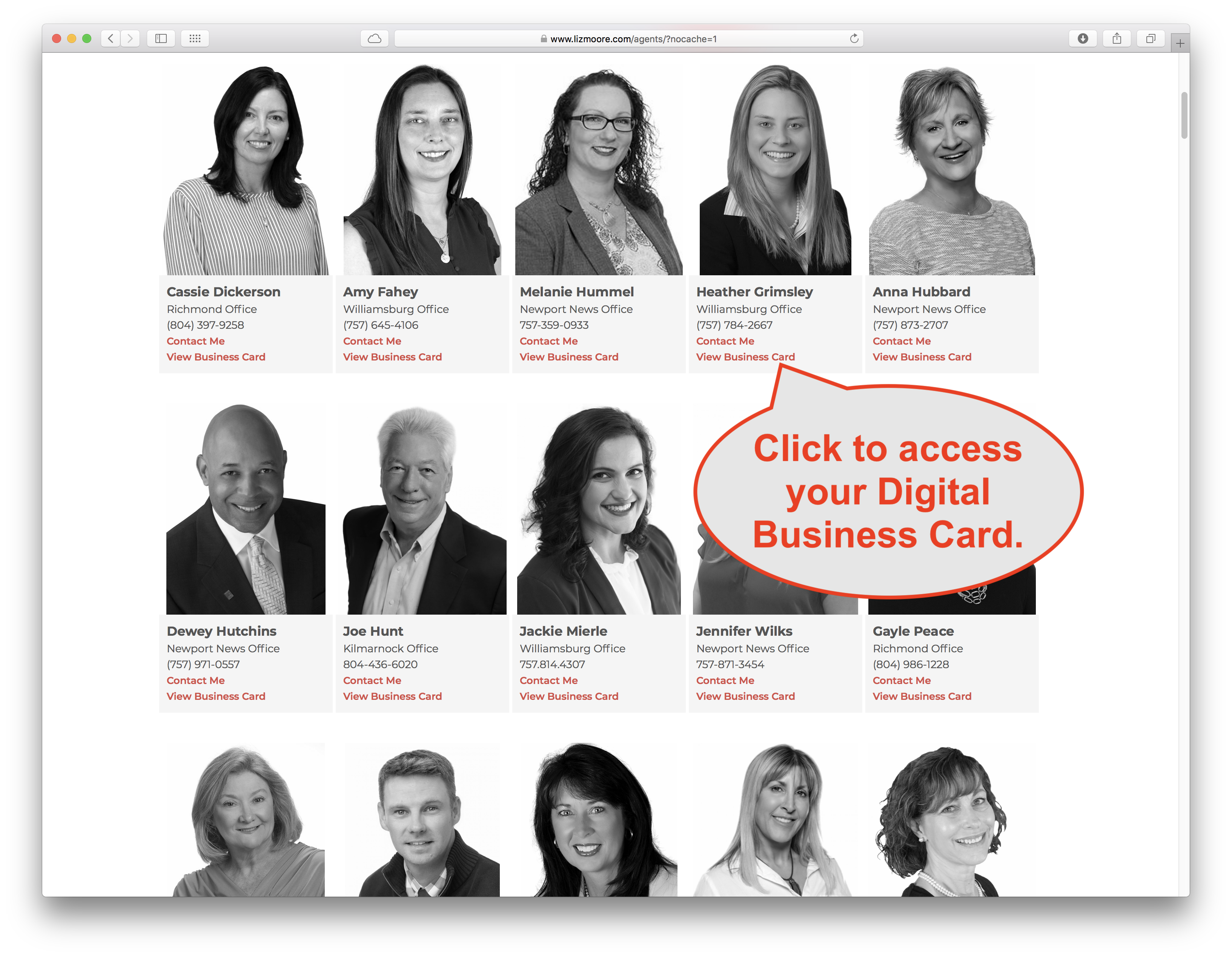
3. Access you NEW Digital Business Card from Desktop or Mobile eLMO by clicking your Profile image.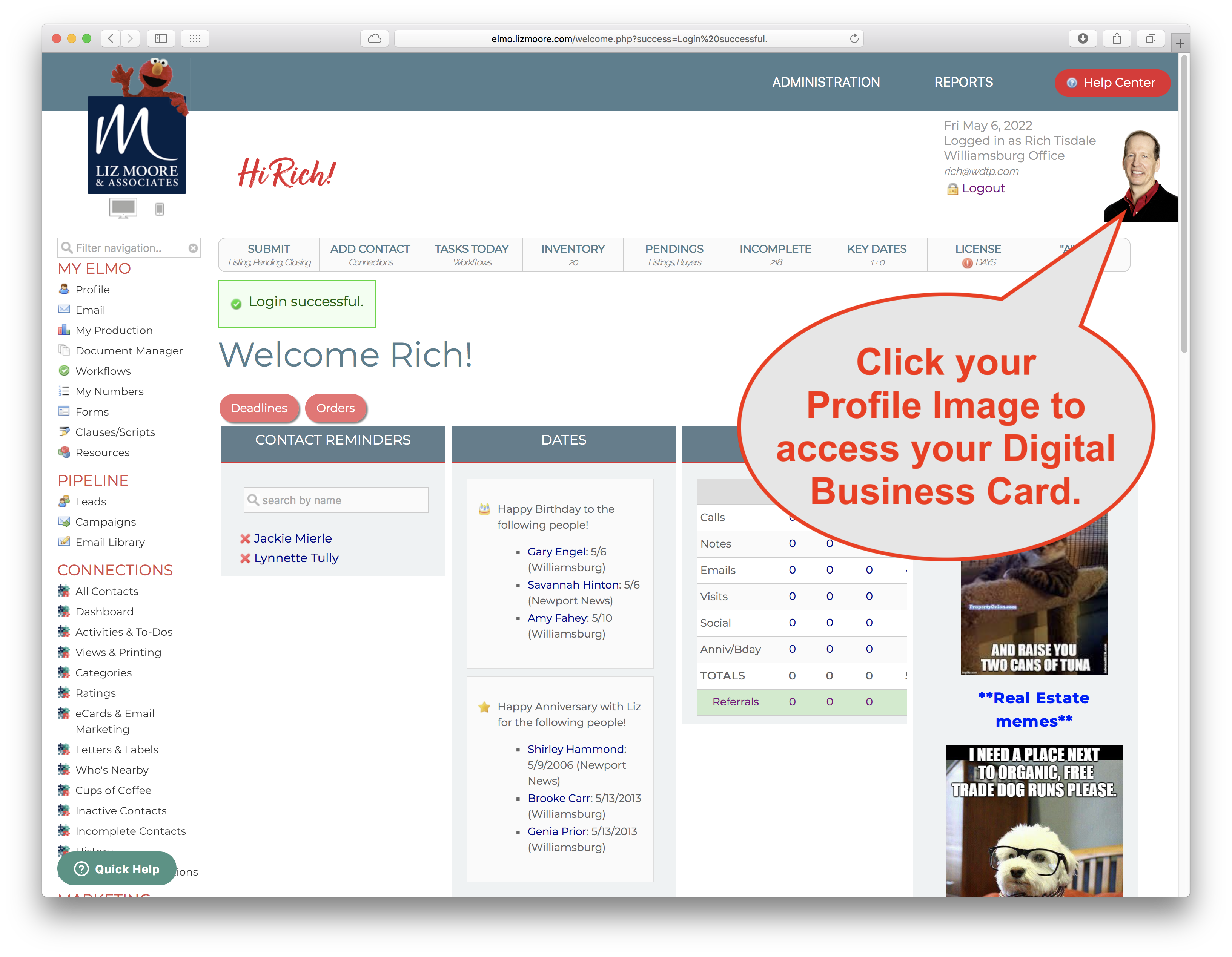
Comments
0 comments
Please sign in to leave a comment.