
Add History Items to eCard Recipients
1. Go to SAVE/SEND Tab of eCard Editor
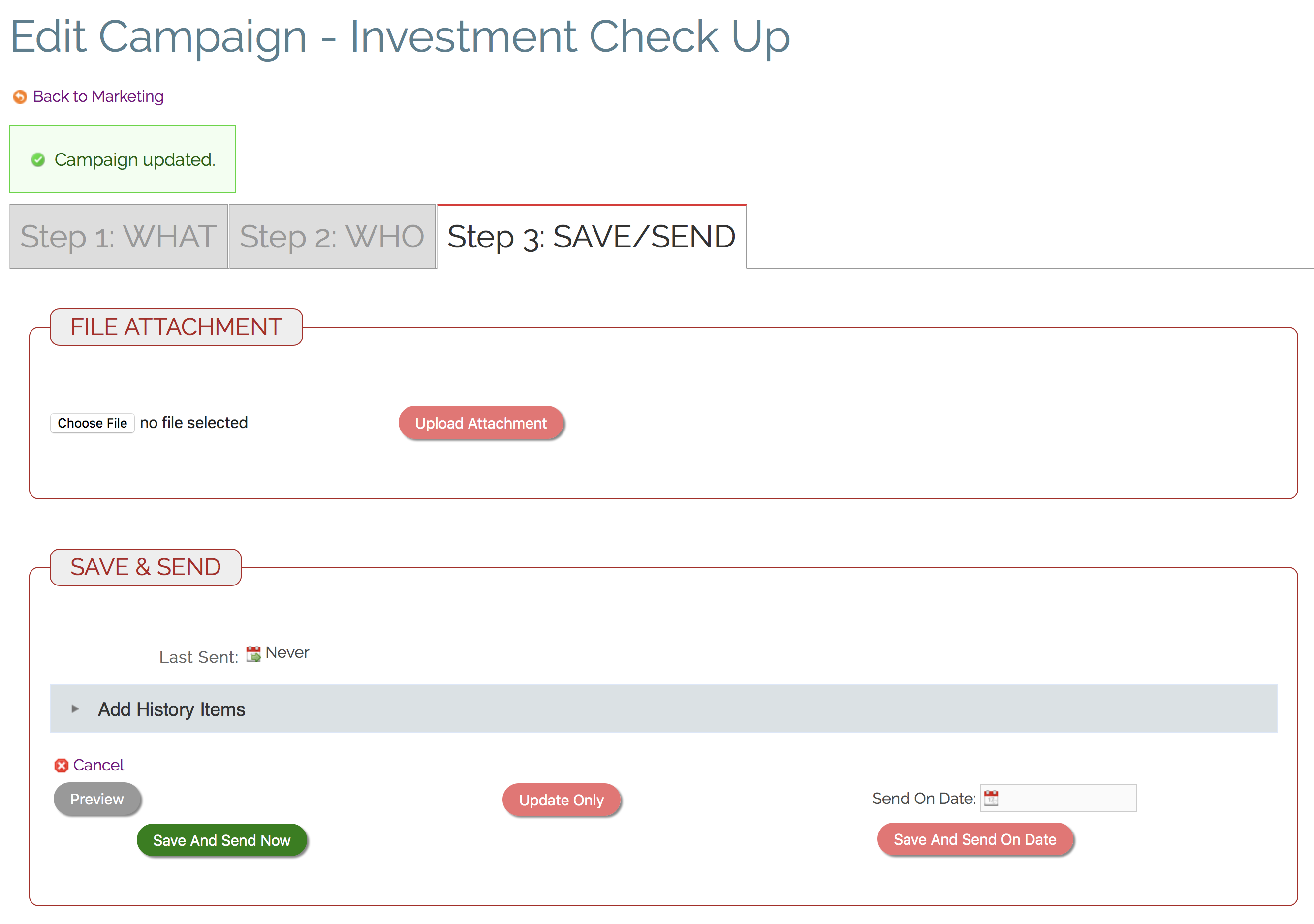
2. Open the "Add History Items" panel.
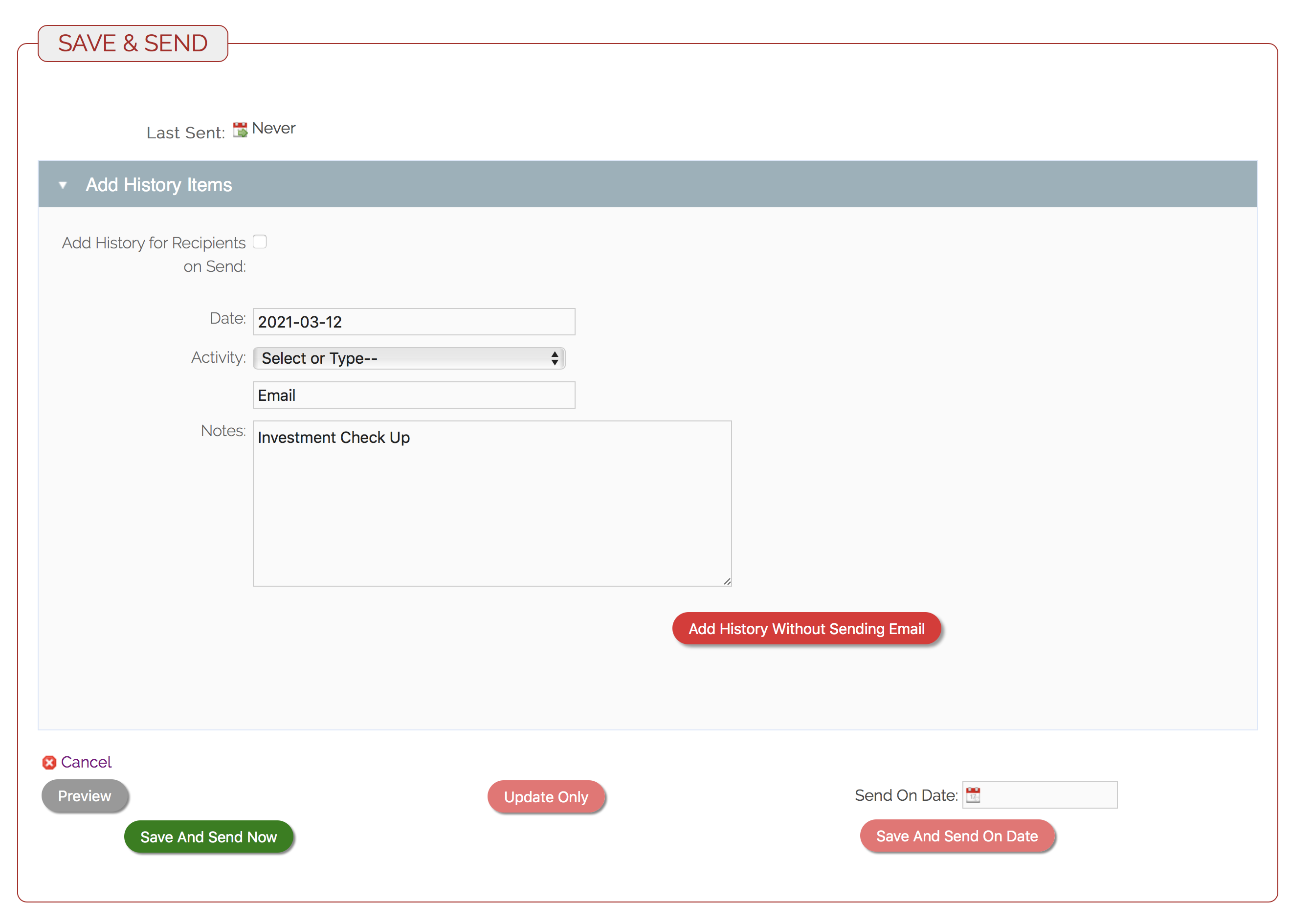
3. Click the checkbox "
4. Alternatively, you can click the "Add History Without Sending Email" button to add History to each eCard Recipient without sending the eCard. Very useful for adding history when you forgot to do it when you sent the eCard. 😉
Comments
0 comments
Please sign in to leave a comment.