
Save the jpg image to your computer
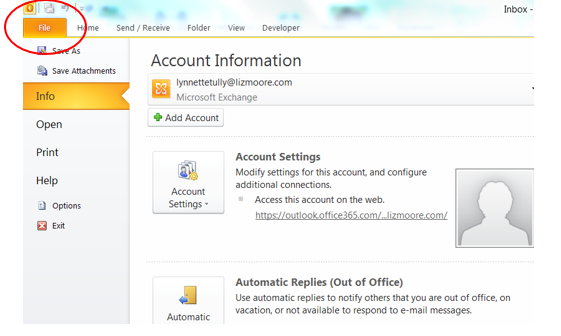
Open Outlook and click on file at the top left
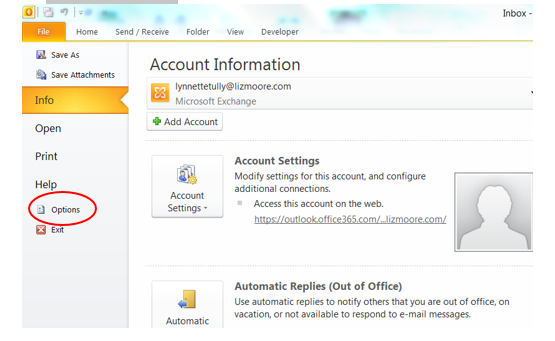
Click on Options
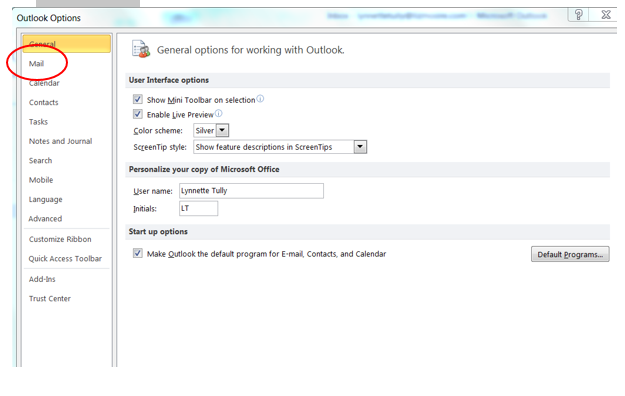
Click on Mail
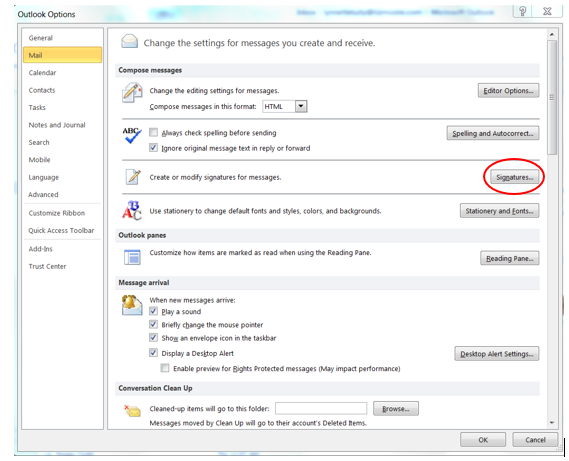
Click on Signatures
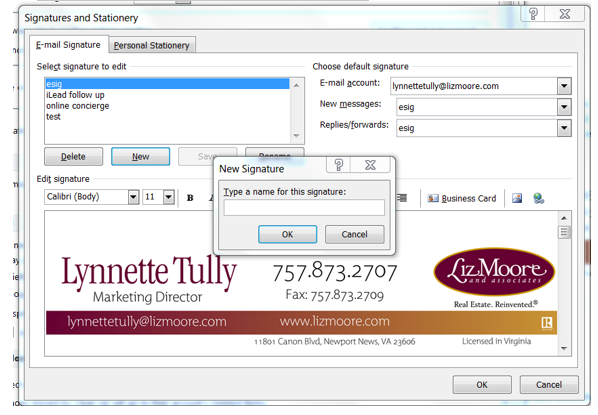
Click New and give you signature a name
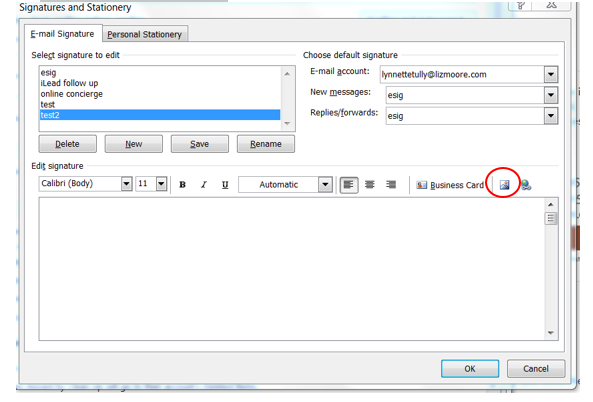
Click on the image icon
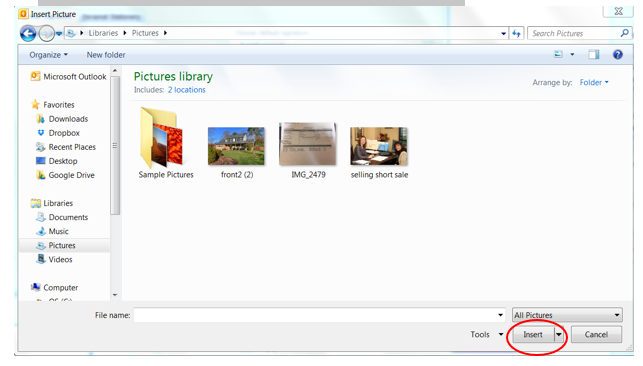
Browse your computer for the image and click Insert
Select your signature name from the drop down for new messages, replies and forwards
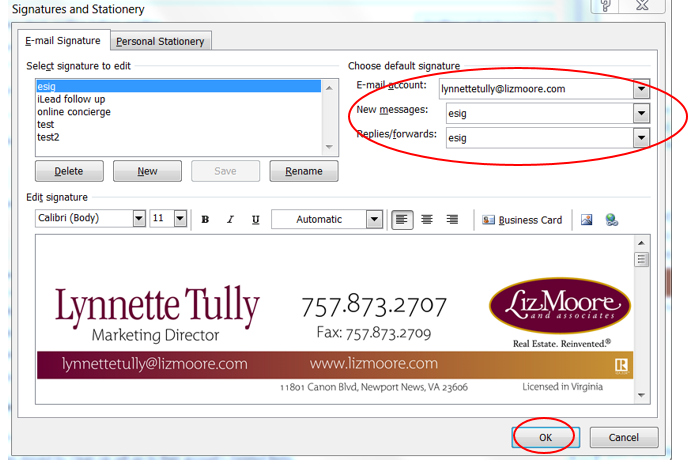
Click OK
Comments
0 comments
Please sign in to leave a comment.