
Learn how to quickly create a professional landing page to solicit contact form submissions via email or social media.
1. Login to eLMO and go to Landing Pages
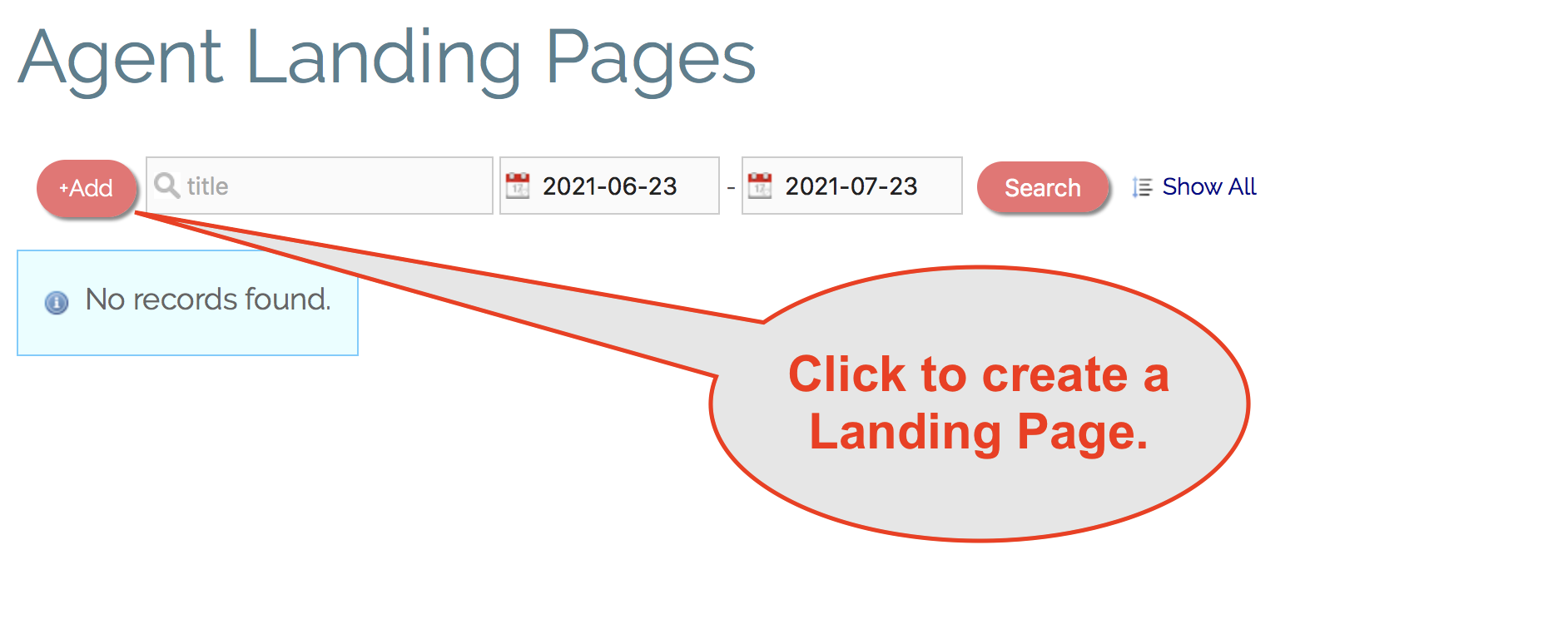
2. Click the "+Add" button to create a Landing Page.
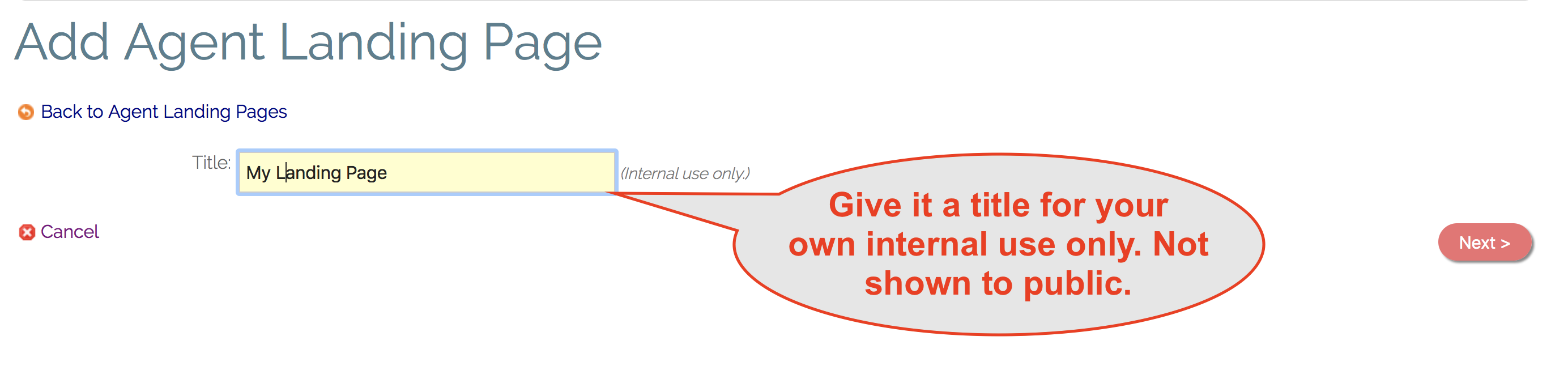
 3. Give your Landing Page a title (for your internal use only) and click "Next".
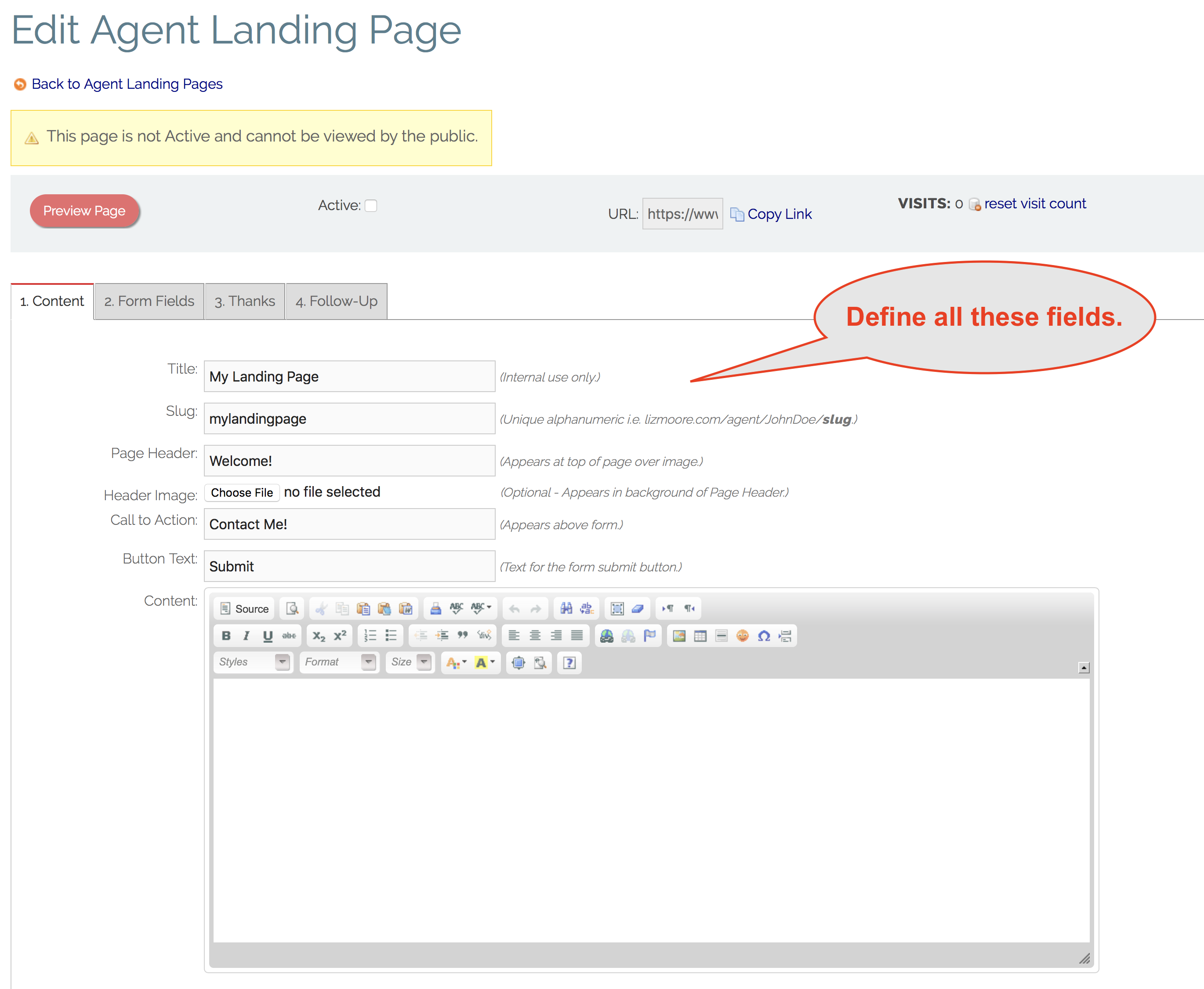
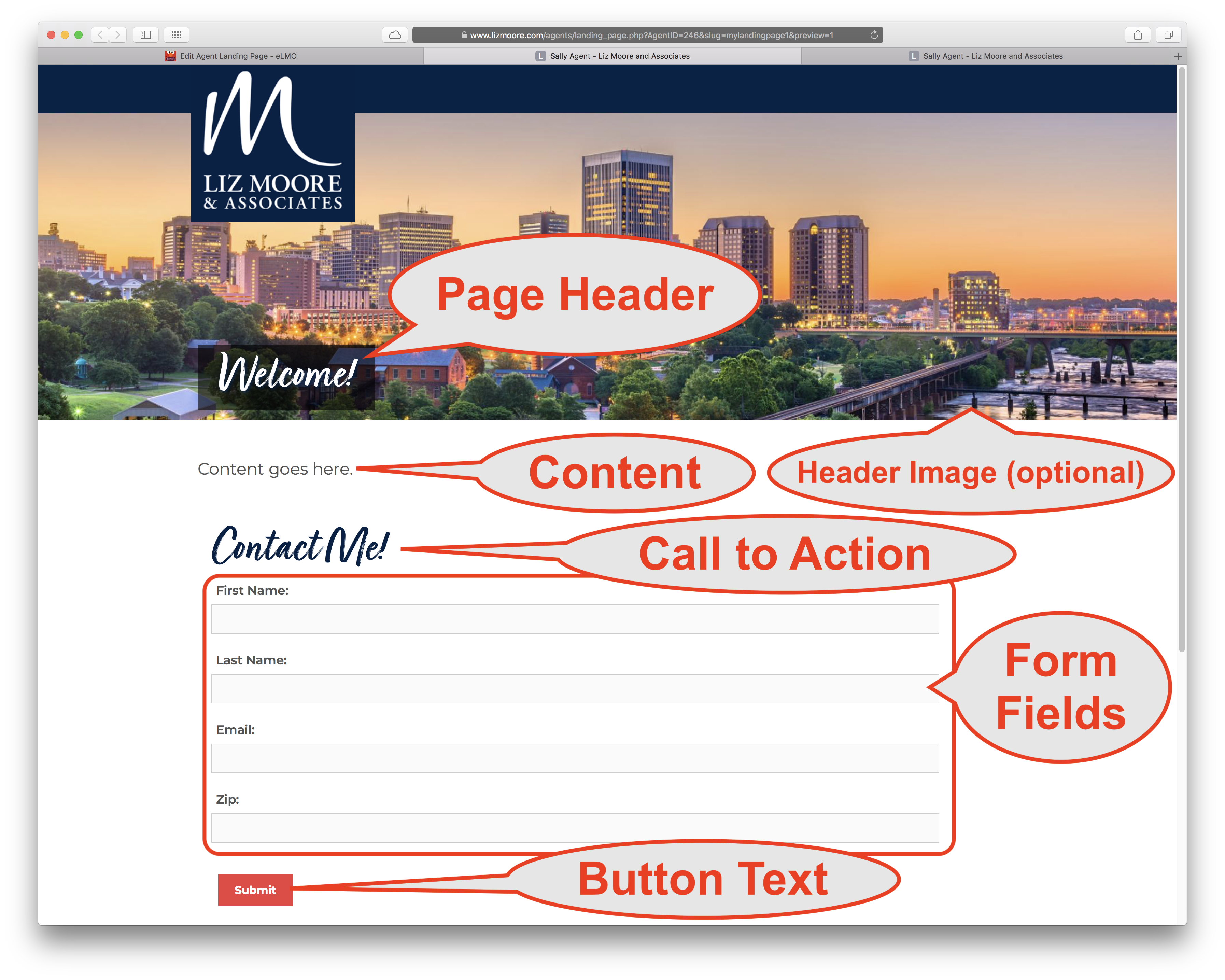
4. Fill out the form to define the visible content of your Landing Page.
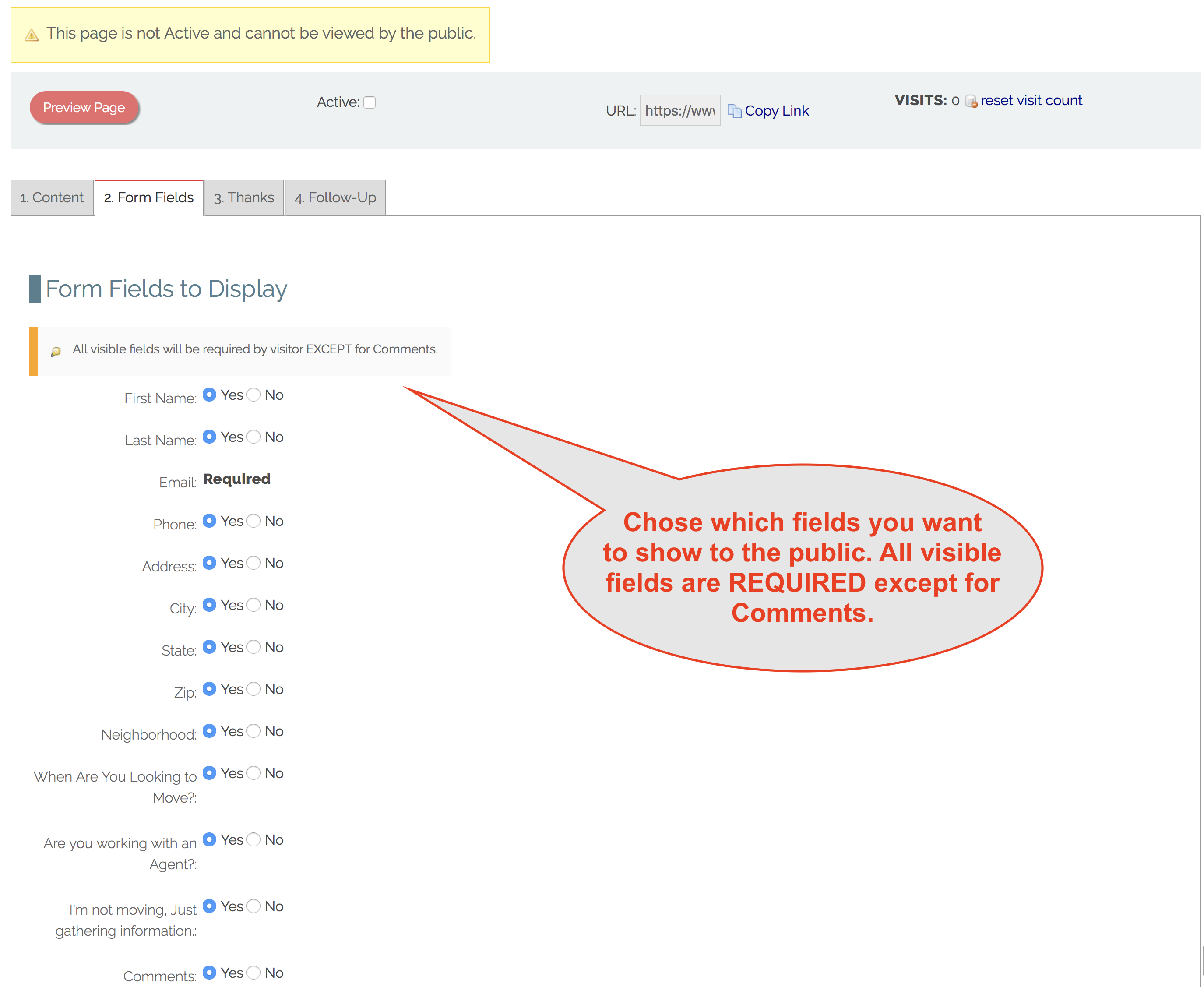
5. Define what form fields you want to use. TIP: Use only those you absolutely need. Too many fields can make people hesitant to submit the form.
6. Use the "Preview Page" button to see what your Landing Page looks like.
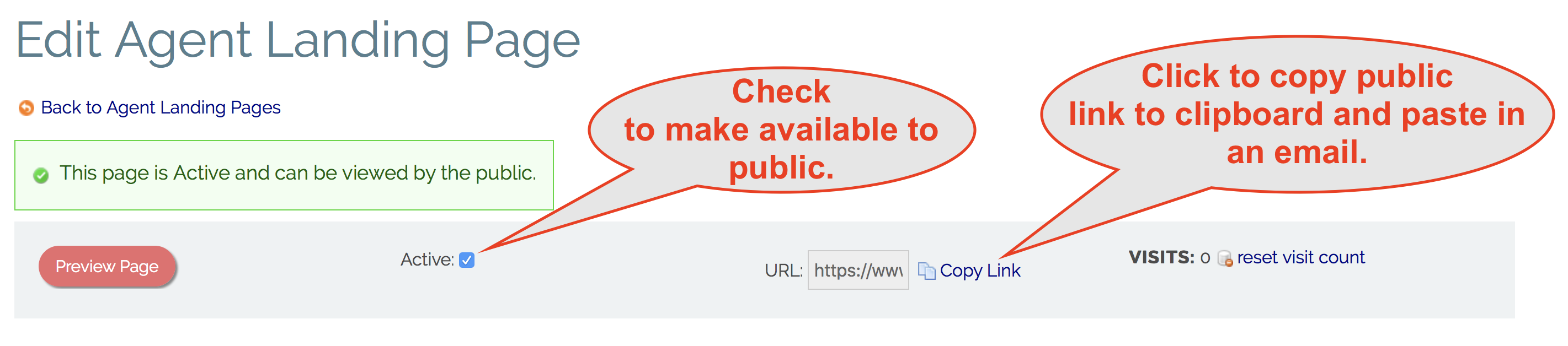
7. Once you Landing Page is finished, check the "Active" checkbox to make the web address available to the public.
8. Click "Copy Link" to copy her public link to your clipboard so you can paste it in an email you send to prospective clients or on social media.
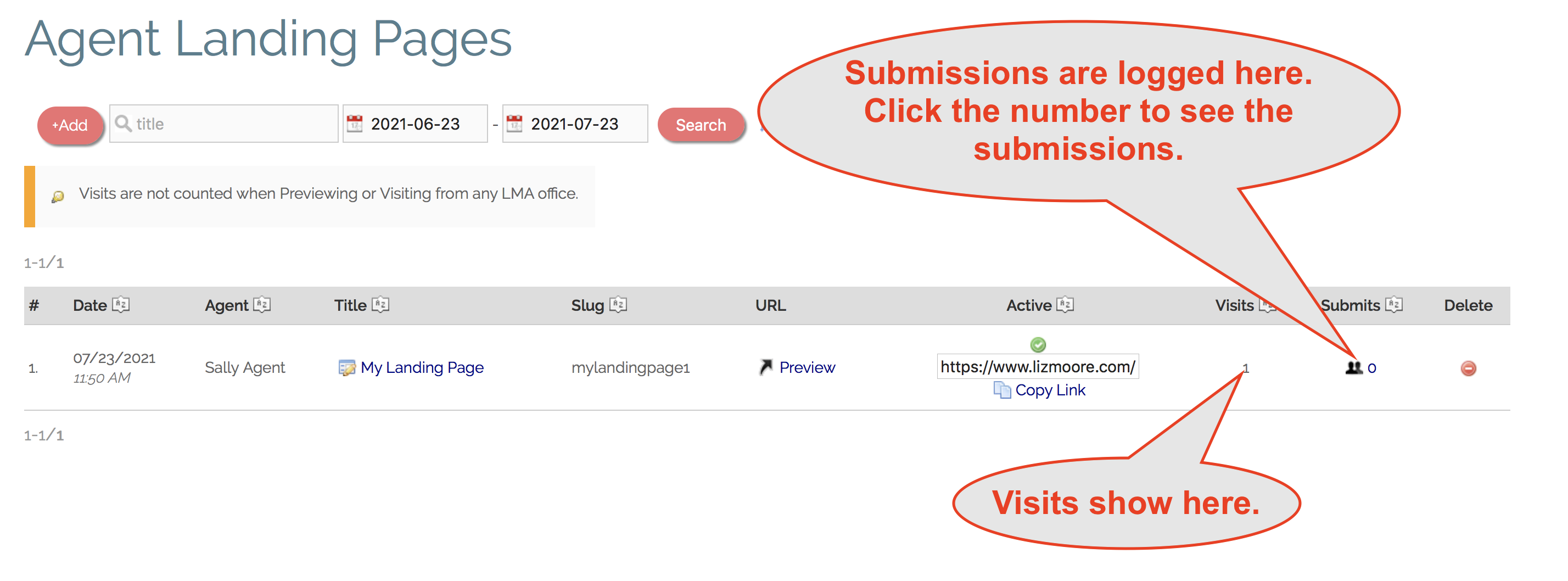
9. eLMO keeps track of visits to your Landing Page and also logs all successful submissions.
Comments
0 comments
Please sign in to leave a comment.