
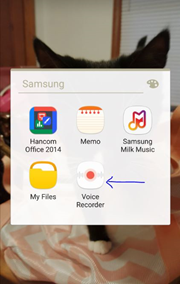
Open the stock Voice Recorder App on your Android Device.
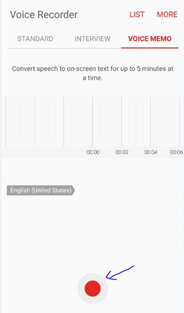
Click on the red button to start recording. Speak loudly and slowly.
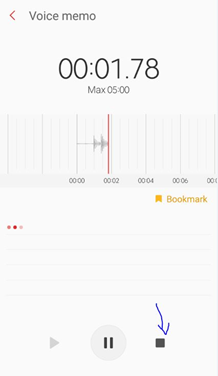
Click the black box to stop recording.
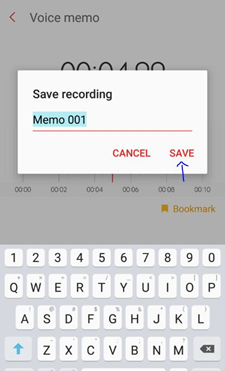
Name your recording and click Save
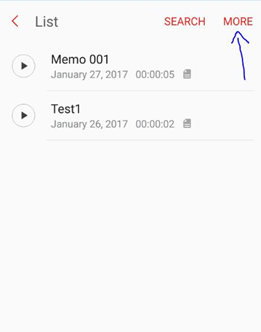
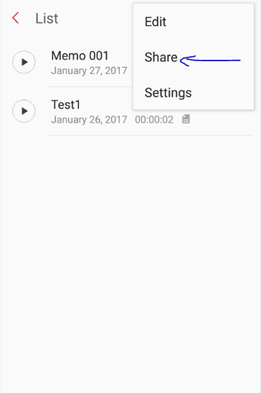
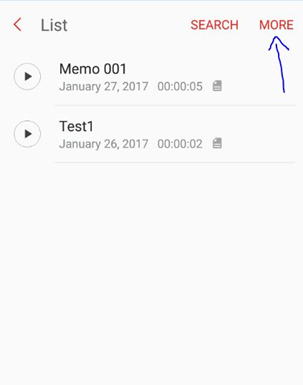
Click on the “More” button, then Click “Share.”
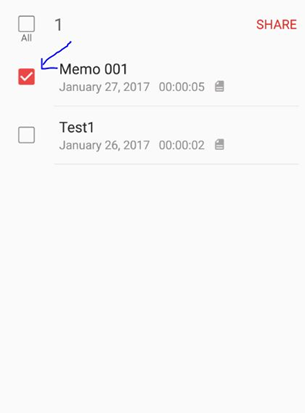
Choose the recording you would like to send and click “Share” again.
Click on your email icon.
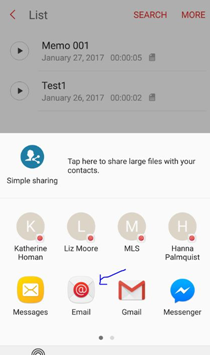
Send the recording to yourself.
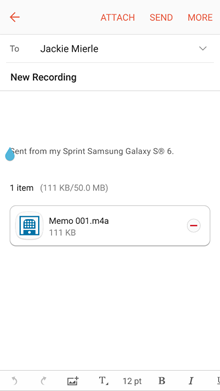
Open the email on your computer, right click on the audio file and save it to your computer.
Login to eLMO, click on My Production, click on Inventory, and open the necessary listing record.
Click Choose File under “Hear My Story” to upload the audio file. Browse for it on your computer, double click on the file, then click Update Audio.
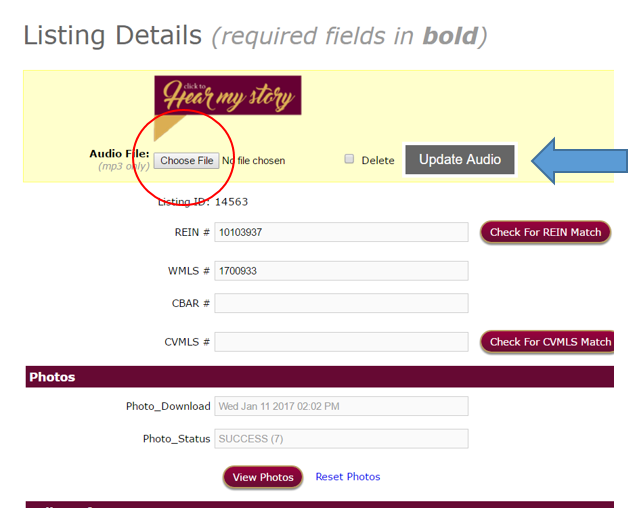
Scroll to the bottom of the page and click update.
Comments
0 comments
Please sign in to leave a comment.