
Learn how to quickly and easily create a free QR Code that prompts users to add you to their address book when scanned. Just go to https://www.qr-code-generator.com to get started.
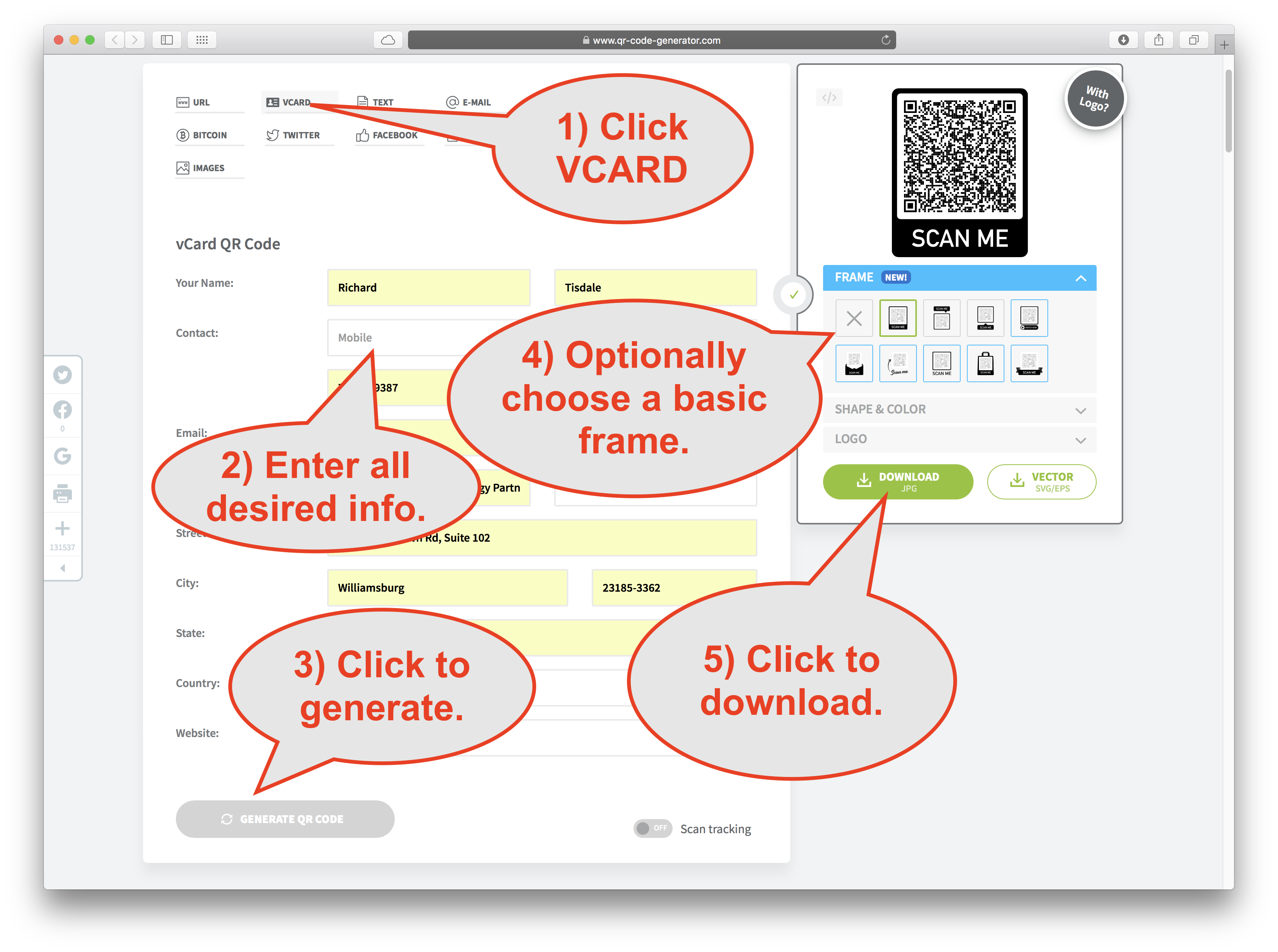
- Go to https://www.qr-code-generator.com
- Click VCARD
- Enter all desired info.
- Optionally choose a basic frame to prompt the user.
- Click "GENERATE QR CODE" button.
- Click the DOWNLOAD button.
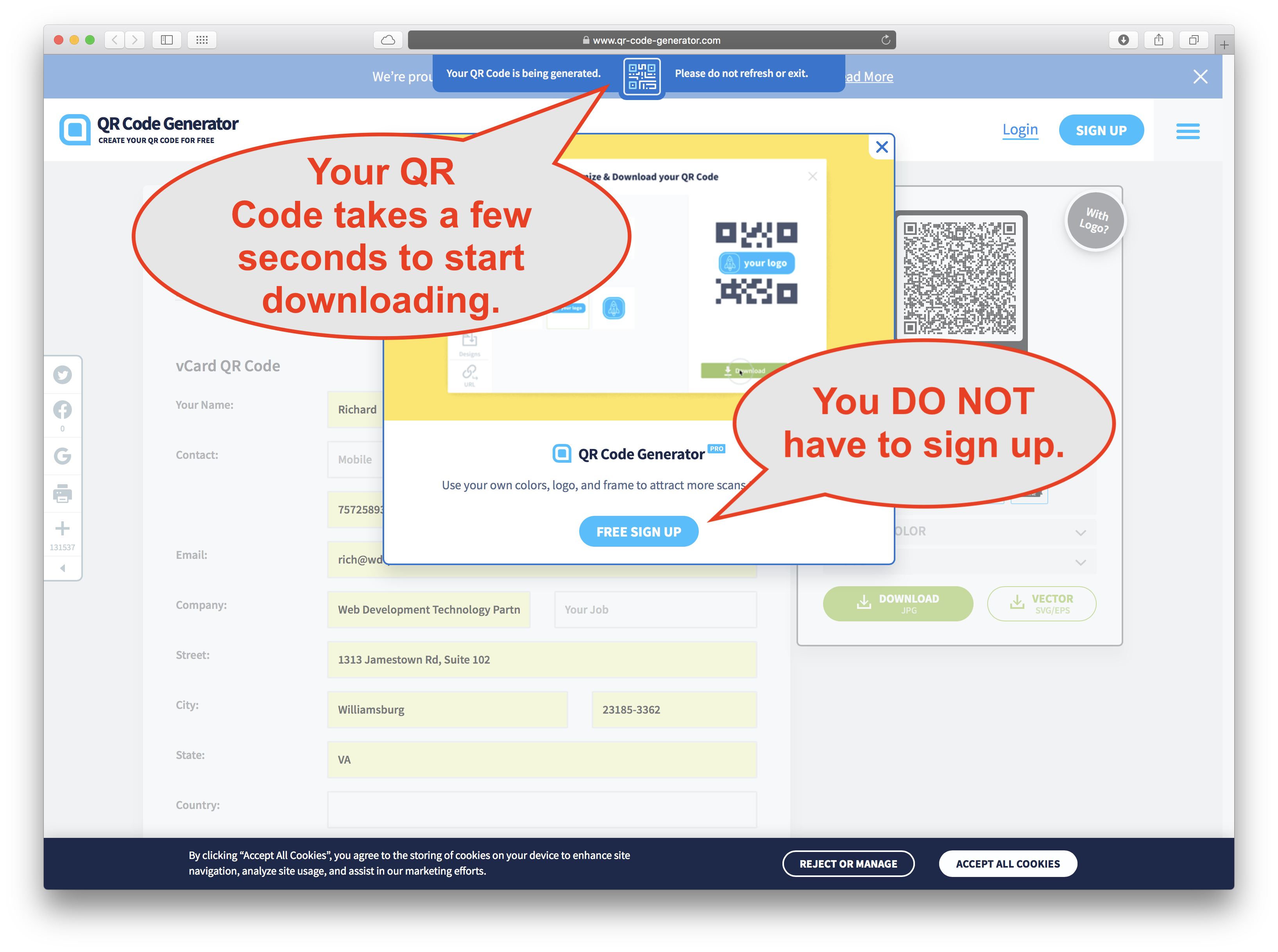
- Wait a few seconds for your QR Code to be generated an automatically download to device. (you DO NOT have to sign up)
Comments
0 comments
Please sign in to leave a comment.