
Learn how to quickly and easily manage documents for property records in eLMO using the streamlined Document Manager. Works on both desktop and mobile eLMO!
Desktop eLMO
- Login to eLMO at https://elmo.lizmoore.com
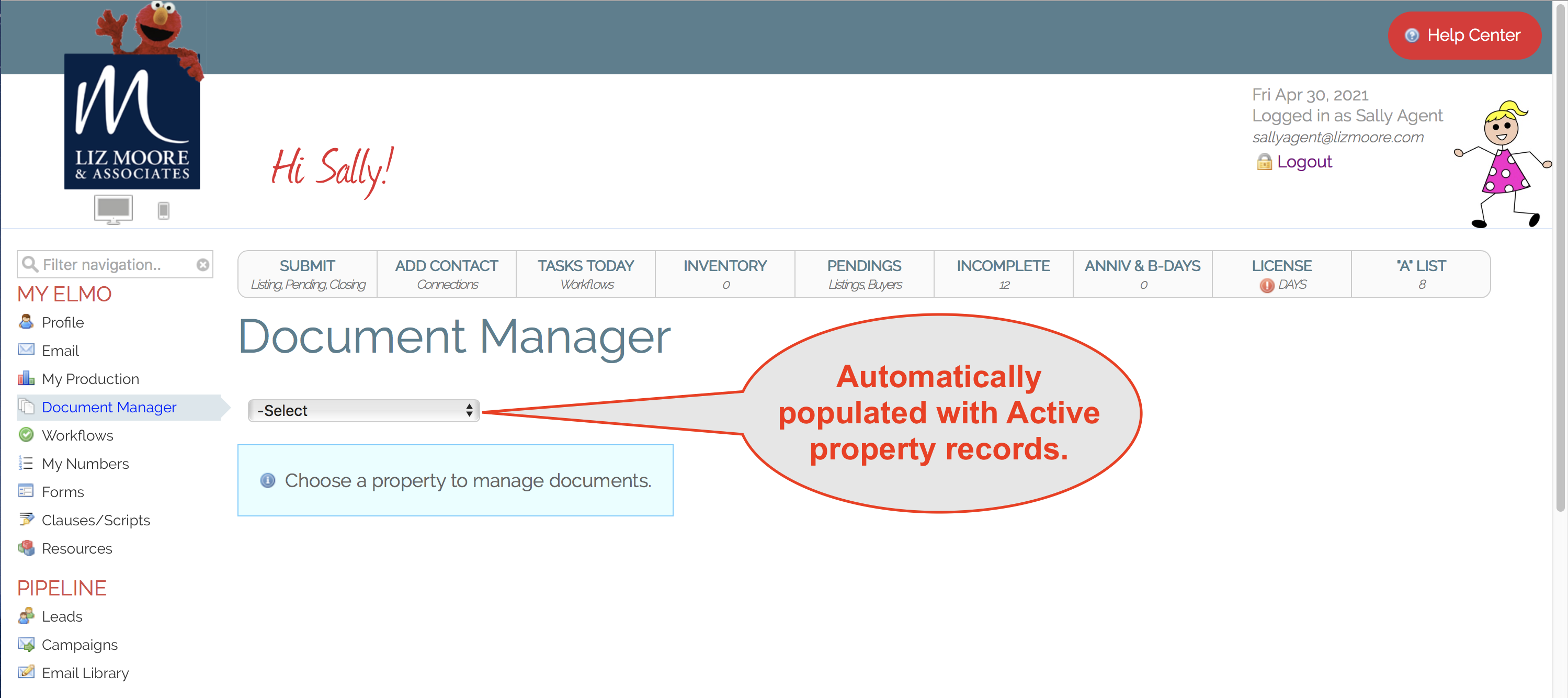
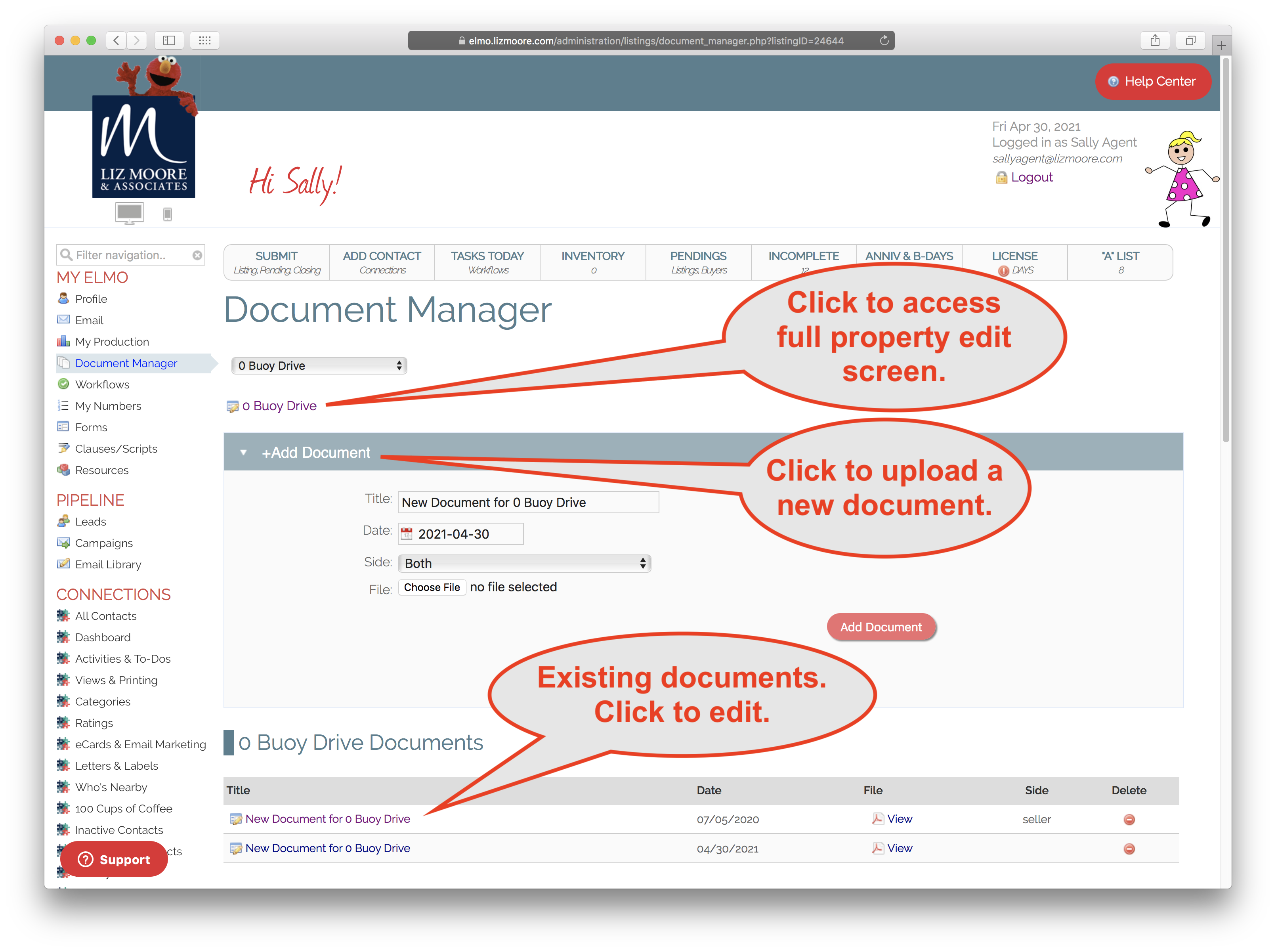
- Click on Document Manager
- Select a Property
Mobile eLMO
- Login to eLMO at https://elmo.lizmoore.com
- Click on "Go to Workflows"
- Click "Documents".
- Select a Property.
Comments
0 comments
Please sign in to leave a comment.