
Login to eLMO.
Click on Connections and then the contacts tab.
To print for an entire category, select the category name from the category dropdown and click Search.
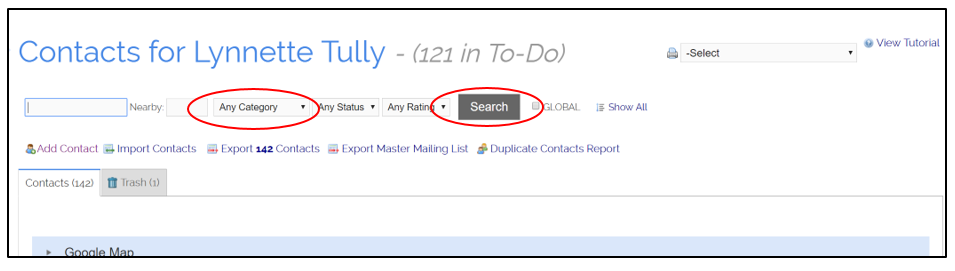
Or, you can chose all of your contacts by not selecting a category.
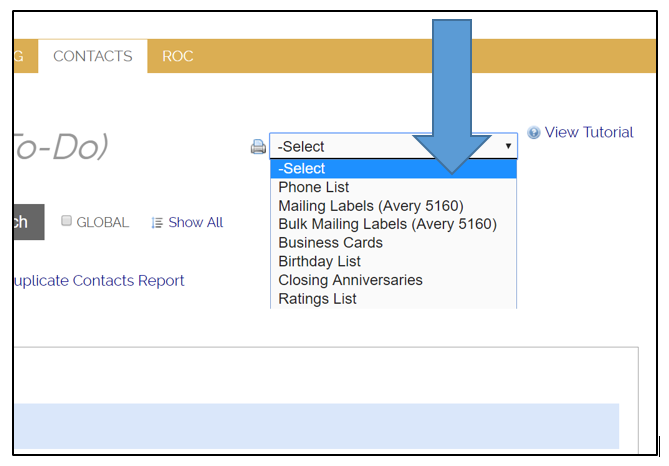
Once you have your contacts narrowed down to those you wish to print, click on the dropdown next to the print icon in the top right corner and select your format.
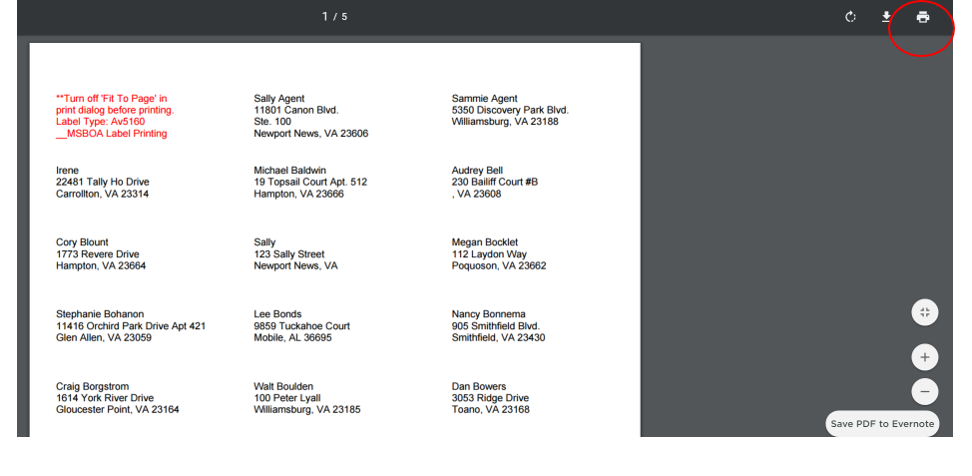
Once your document opens, click the print button in the top right to send to your printer.
Comments
0 comments
Please sign in to leave a comment.